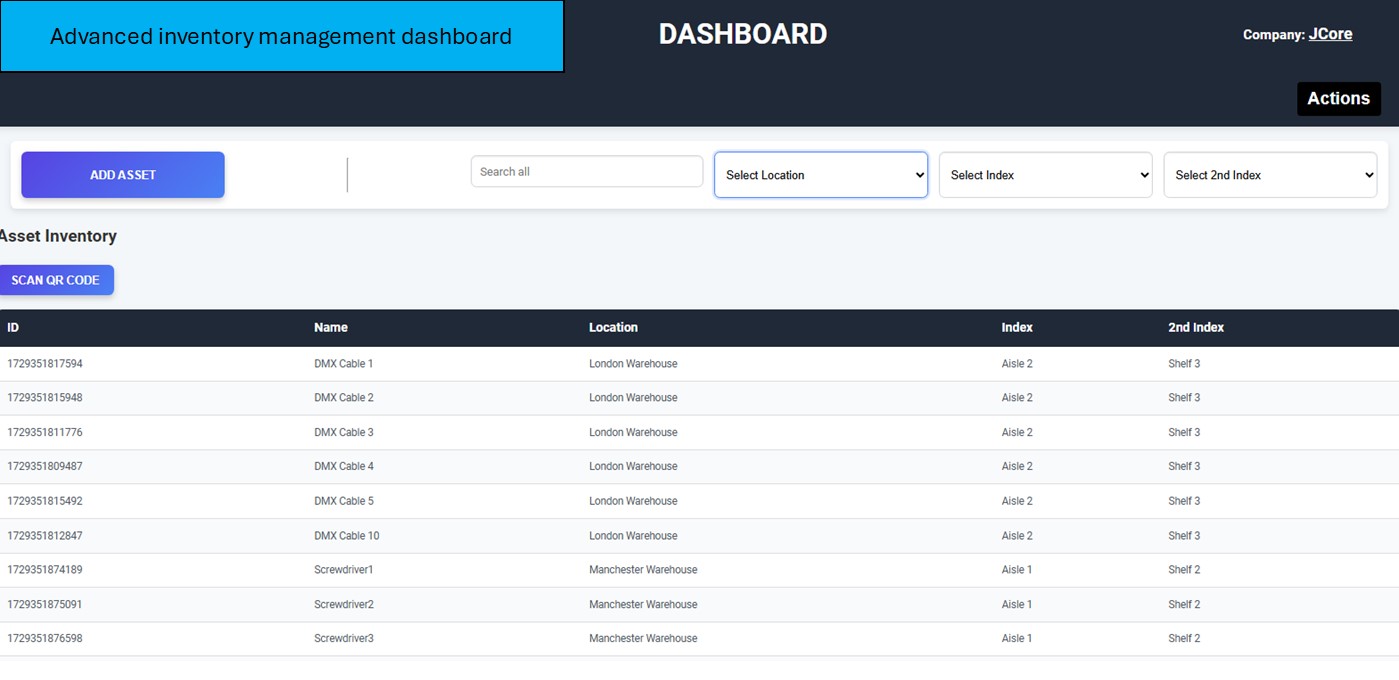
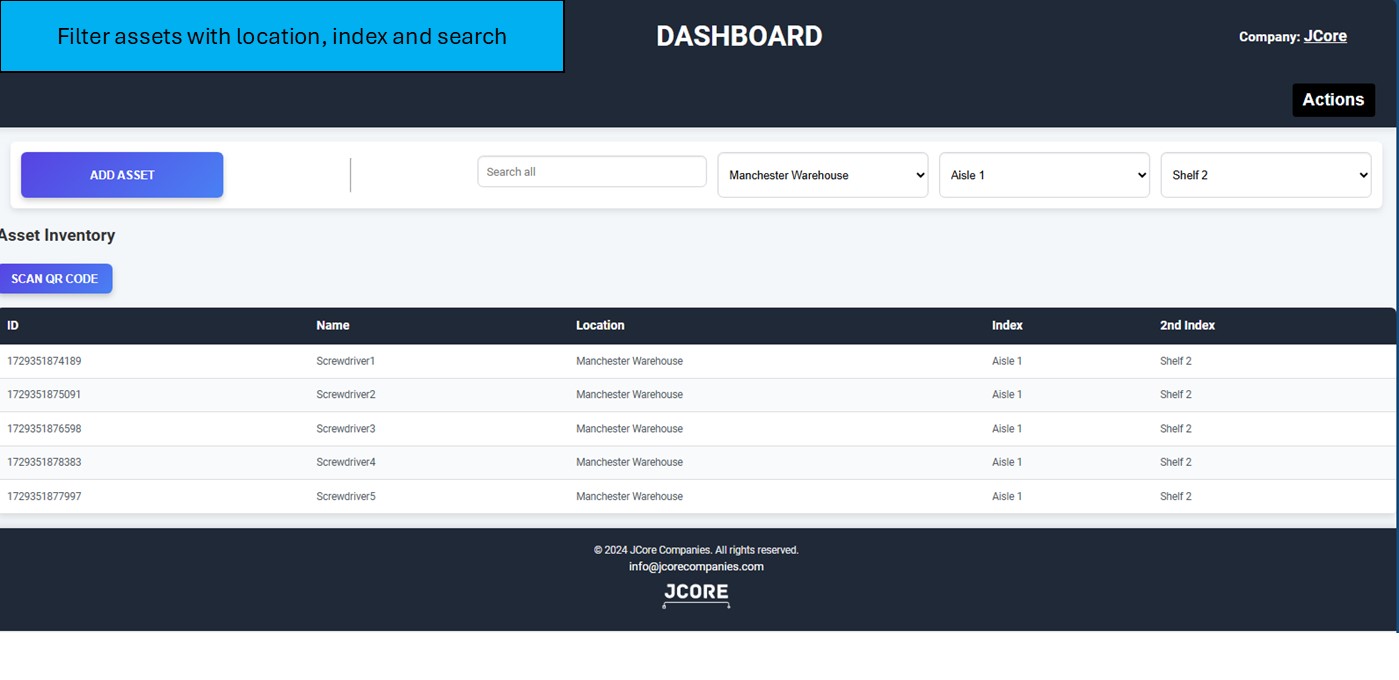
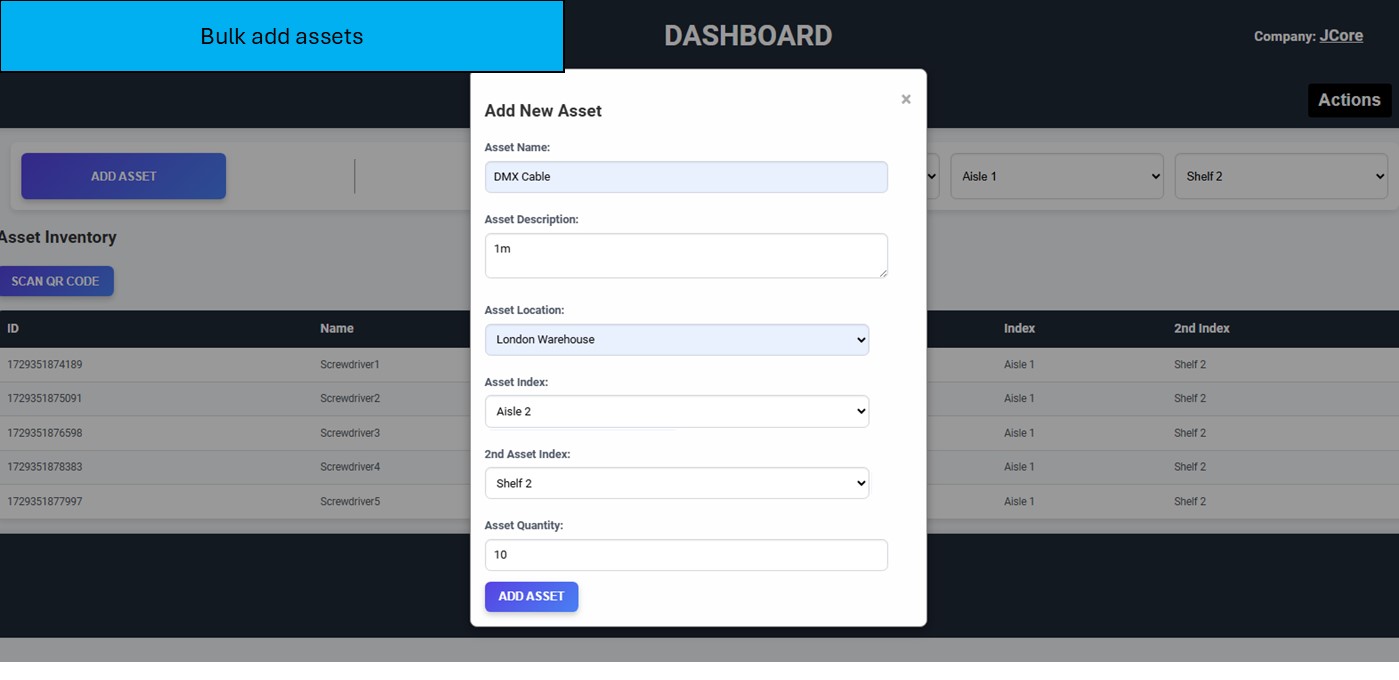
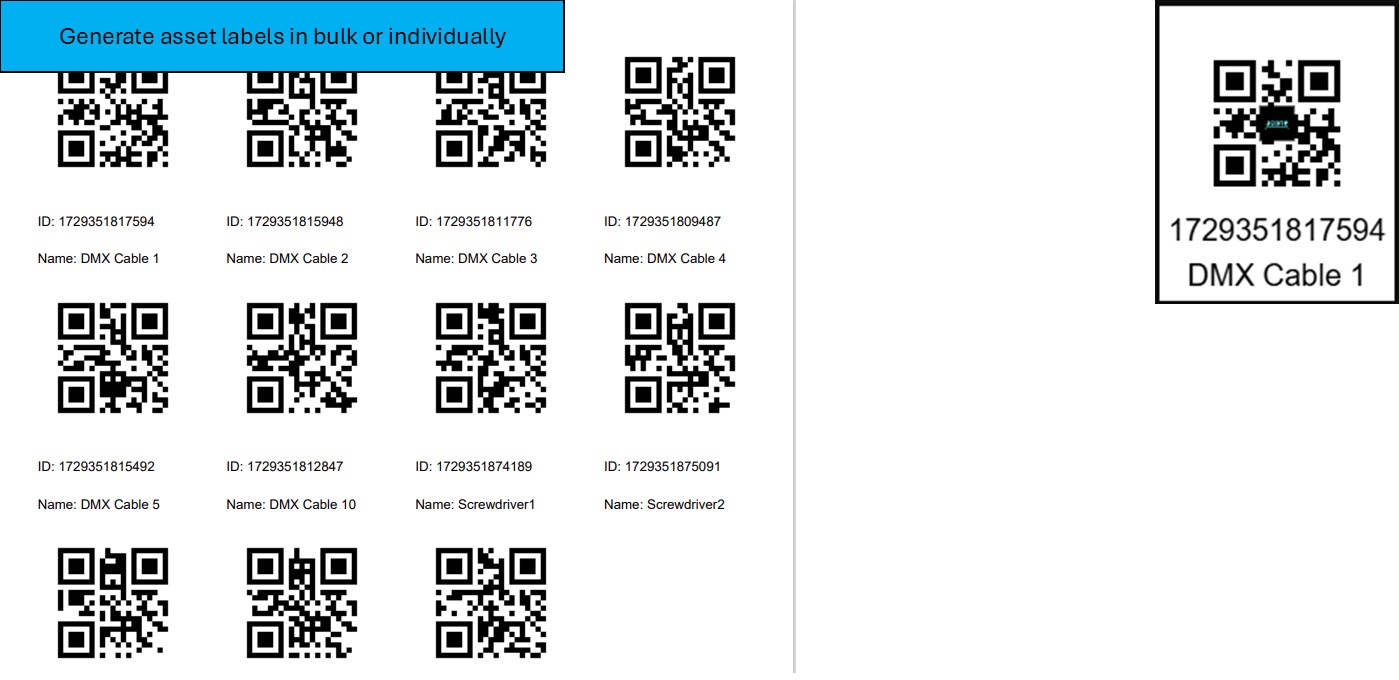
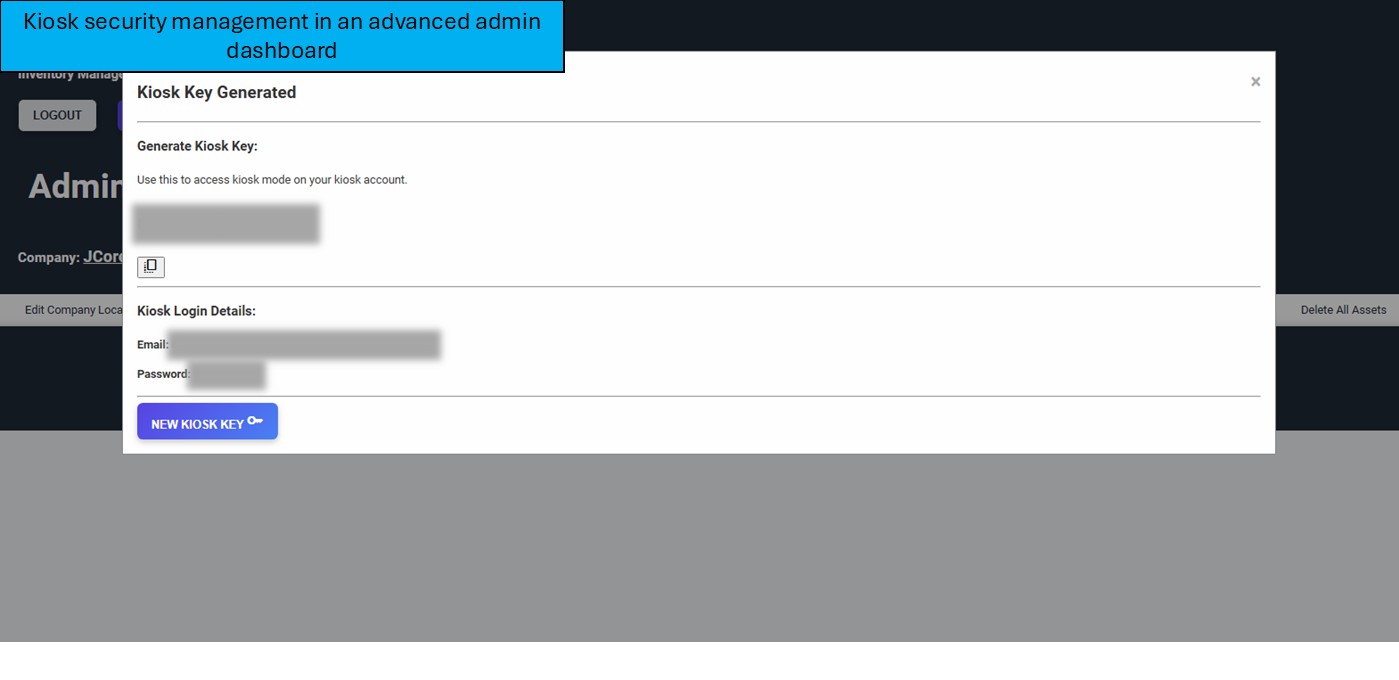
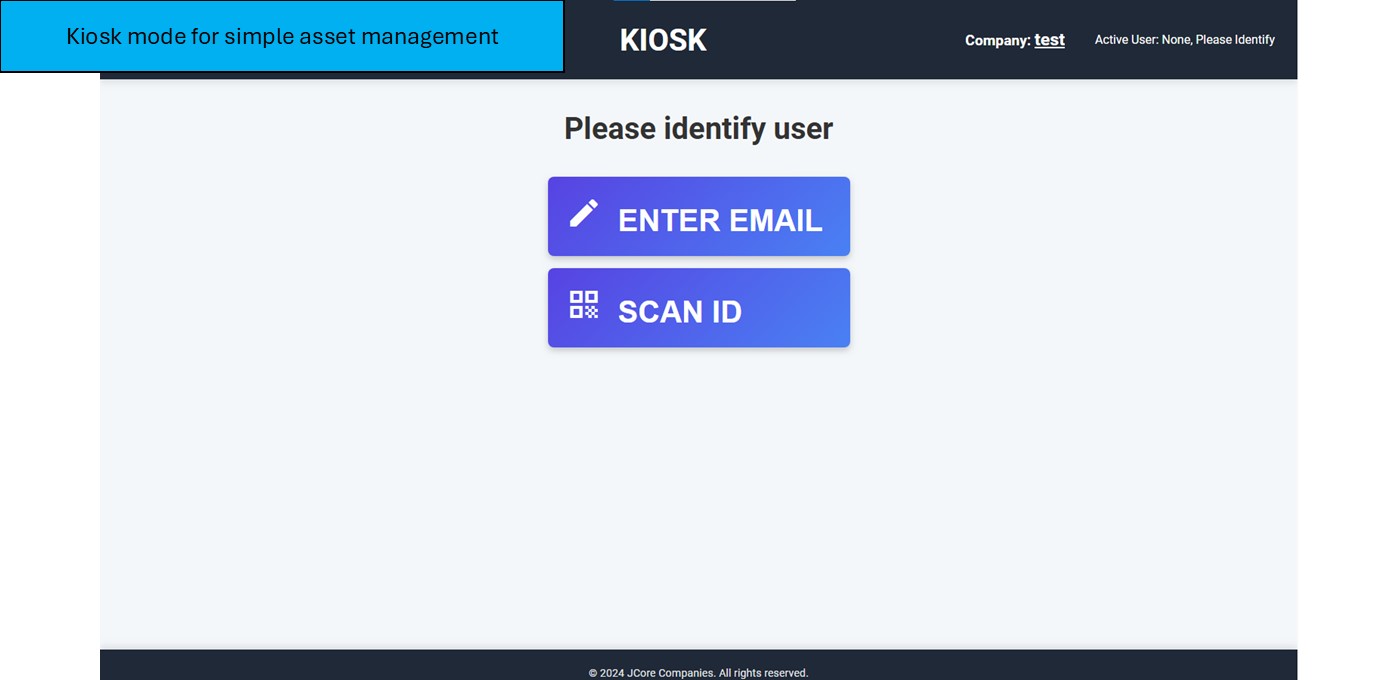
Simply login with your kiosk login details on the normal login screen. You have a default kiosk account but can also set other users as 'kiosk' status on the
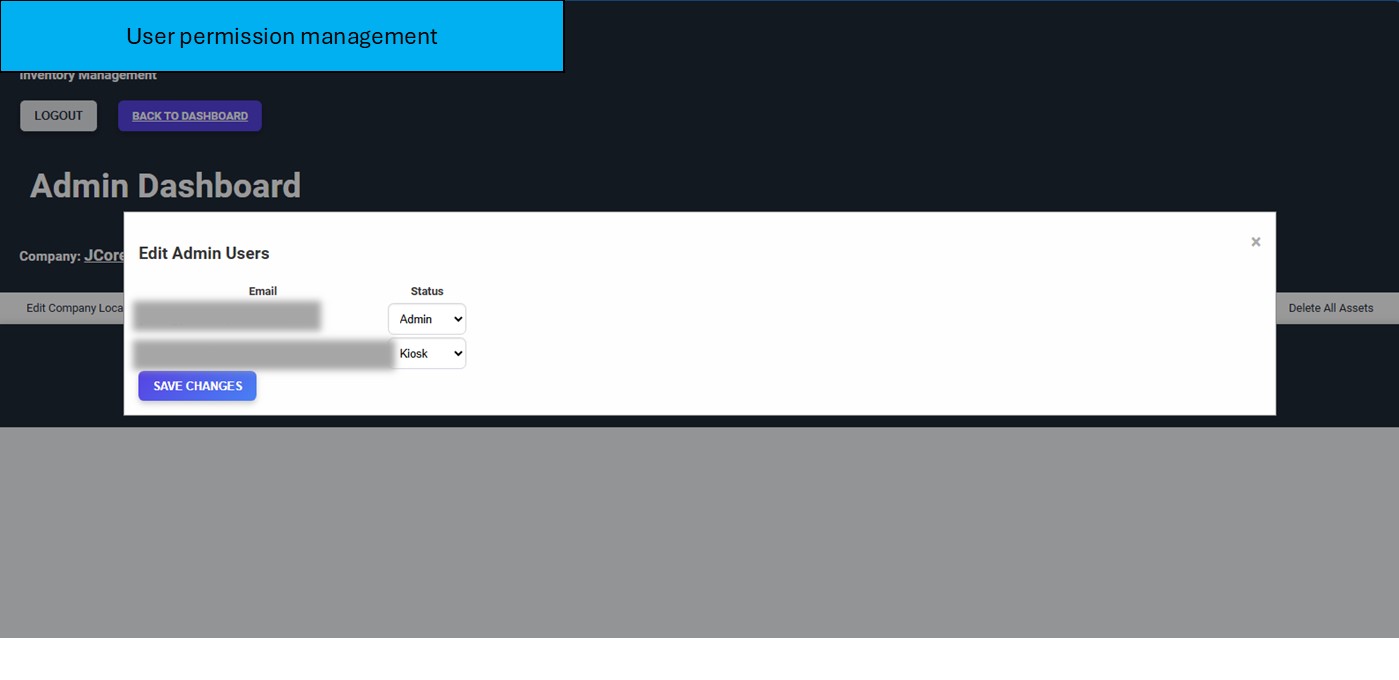
admin page. If you would like your default kiosk account removed or want your deualt kiosk account's password to be changed, contact JCore.
Your default kiosk account logins are:
Email: inventory-kioskuser@(system-company-name).jcorecompanies.com
Password: kiosk123
Upon entering the kiosk dashboard per browser session, you will also be asked for your Kiosk Key. This can be generated in the Admin Dashboard. This allows a layer of security as the default kiosk account has a default password.
What's my system company name?
Your system company name can be found at the top of your dashboard, next to where it says 'Company:'.